Hi! In this series, I’m sharing my self-hosting project from the ground up. I’ll explain what self-hosting is, why I chose this path, and share my reasoning and decisions along the way. Let’s jump right in!
What is Self-Hosting?
Self-hosting means running and managing your applications on your own hardware instead of relying on third-party cloud services. Many services you use daily, like Google Drive, Dropbox, Netflix, and Gmail, are cloud-based SaaS (Software-as-a-Service).
Here are some popular SaaS examples:
- File storage & sharing: Dropbox, Google Drive, iCloud, OneDrive
- Productivity suites: Google Workspace, Microsoft 365
- Email: Gmail, Outlook, Yahoo
- Streaming: Netflix, Spotify, Prime Video
All of these have self-hosted alternatives you can run on your own device, be it a mini-PC, laptop, Raspberry Pi, or other hardware, giving you full control over your data and services.

Cloud vs Self-Hosting
Why Start Self-Hosting?
Here are some of the key benefits:
- Privacy: Avoid sharing your data with third parties prevent sharing your data with external entities, helping to maintain your privacy.
- Security: Control your infrastructure’s security, no blind trust in large providers.
- Cost Savings: No recurring subscriptions, only electricity and hardware costs.
- Customization: Tailor your setup exactly to your needs.
- Learning: Dive deep into new technologies and tools.
- Fun: This is subjective, but if you are passionate about computers and tech, it’s rewarding and enjoyable!
Keep in mind: Full control means full responsibility. You’ll handle backups, updates, hardware upkeep, and running your systems 24/7.
Privacy and Security
Privacy is often the biggest motivator for self-hosting. But what is privacy? It’s about control over who sees your information, not about hiding secrets.
Think of privacy like closing the bathroom door, not because you have something to hide, but because you value personal space. Privacy is a fundamental human right linked to freedom.
It’s important to distinguish:
- Privacy: Control over your personal data.
- Security: Protection based on Confidentiality, Integrity, and Availability (the CIA triad).
- Anonymity: Acting without being linked to your real identity.
Self-hosting doesn’t magically solve all privacy and security issues. The internet inherently involves trade-offs between security, privacy, and usability. But self-hosting empowers you to better manage that balance on your own terms.
For a deeper dive into privacy topic, check out Privacy Guides
A Real-World Wake-Up Call
Have you considered what happens if your cloud accounts get banned or suspended unfairly? A few months ago, my TikTok account was banned by an automatic algorithm for no valid reason. Luckily, after filing a claim, it was reinstated within a few months. I didn’t use the account much, so it wasn’t a big deal for me. But many people rely on these platforms for their work, like influencers, and a ban can seriously disrupt their lives.
Unfortunately, not everyone is as lucky. Take Mark from San Francisco, for example. After sending a private photo of his son’s genitals to a doctor via Google services, an automatic system flagged it as illegal content. Mark was banned from all Google services, including phone and data through Google Fi, and faced a judicial investigation. Thankfully, he was eventually acquitted, but his story highlights the risks of relying on automated moderation for sensitive content.
Read the full story: New York Times Article
Common Self-Hosting Use Cases
Self-hosting setups vary by need. Popular examples include:
- Personal Website or Blog: WordPress, Ghost, Jekyll, Hugo
- Private Cloud Storage: Nextcloud, OwnCloud
- Media Streaming Server: Plex, Jellyfin
- Email Server: Postfix, Dovecot, Mail-in-a-Box
- Home Automation: Home Assistant, OpenHAB
What you Need to Get Started
Self-hosting can be simple or complex, depending on your goals. Most beginners don’t need expensive servers, here are common options:
- Old PC or Laptop: Repurpose existing hardware.
- Raspberry Pi: Low-power, affordable, and versatile.
- Dedicated Server/VPS: Possible but less recommended, as it shifts trust and costs to a cloud provider, let’s say that this is a hybrid solution.
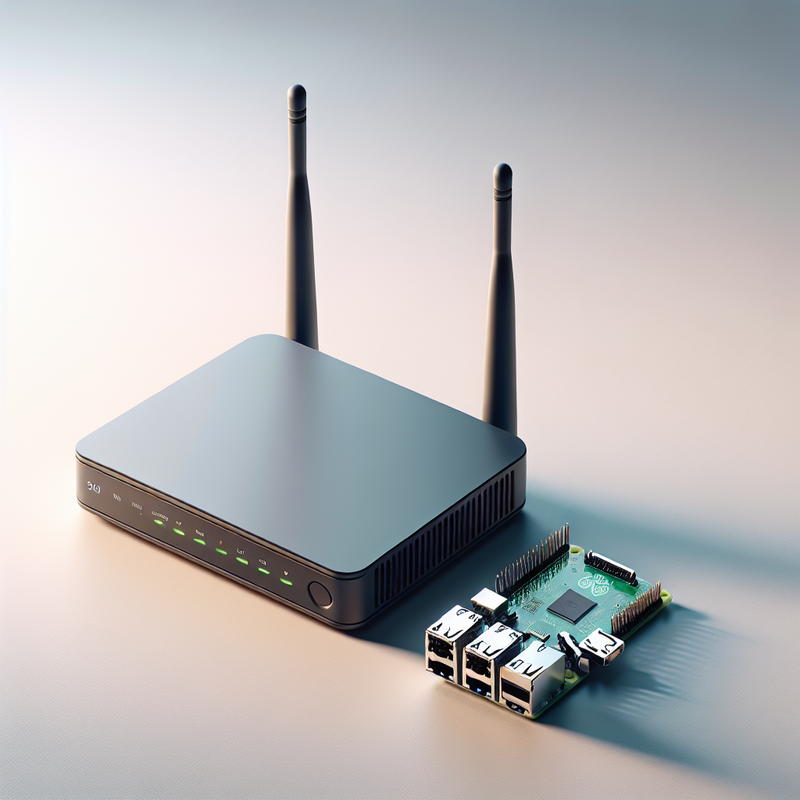
Self-Hosting Equipment
My Self-Hosting Project
In my self-hosting project, I have set several key goals that align with my professional growth. Below is an outline of what I aim to achieve:
1. Learn and Improve Skills
- Set up a home network with an architecture similar to a small-to-medium-sized corporate.
- Configure key security systems: SIEM, IDS/IPS, and firewall.
- Automate infrastructure deployment using Infrastructure as Code (IaaC) tools like Terraform and Ansible.
- Perform penetration tests to assess the security of the deployed infrastructure.
- Build a security training lab for hands-on learning and practice.
2. Enhance Security and Privacy
- Transition from cloud services to self-hosted solutions where possible.
- Use privacy-oriented protocols (e.g., DNS over HTTPS, VPN) for home network traffic.
- Host a personal VPN to improve my security when connecting to public networks.
3. Save Money
- Replace paid services with free self-hosted alternatives (e.g., file storage instead of Google Drive).
- Choose low-power, silent hardware to reduce energy costs and noise.
Conclusion
This series will be a practical guide, sharing everything from hardware benchmarks to software selection and security hardening. Whether you’re a complete beginner or have some experience, I hope you’ll find it valuable.
The very first step in any build is choosing the right tools. In the next post, we’ll dive into one of the most critical decisions: selecting the hardware that will be the heart of my new self-hosted world.
Stay tuned! 👋✨